Task emails and morning reminders
Email people when they get a task, and each morning with what's due.
Rank Thesis can email your team about their tasks. Admins and the owner set this up for the whole workspace.
-
Open Settings → Team
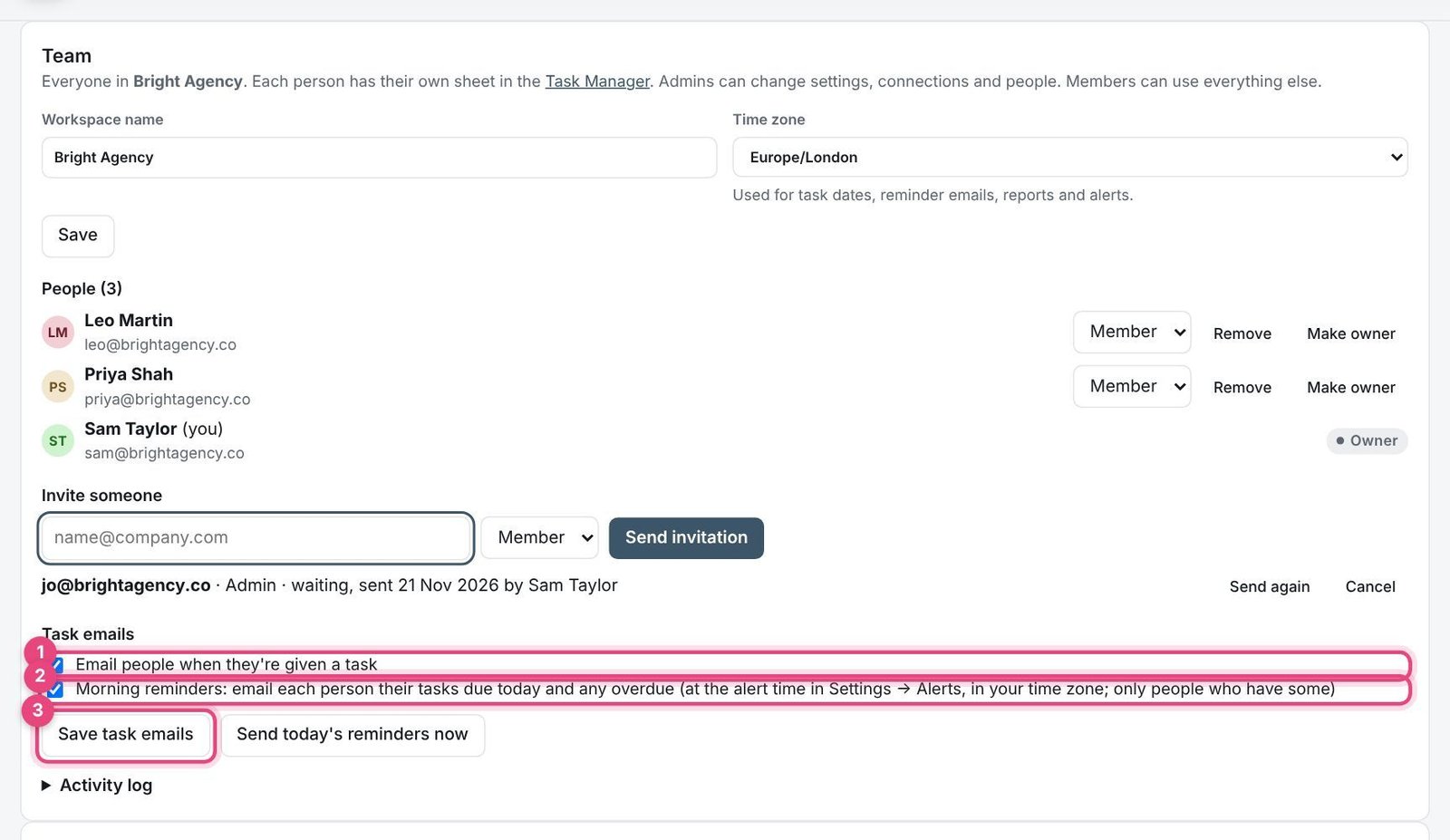
Find Task emails in the Team card.
-
Choose the emails
Tick Email people when they’re given a task, and Morning reminders to email each person their tasks due today and any overdue. Reminders go out at the alert time in Settings → Alerts, in your workspace’s time zone, and only to people who have tasks.
-
Save
Press Save task emails. Press Send today’s reminders now to send them straight away.
Still stuck? Our team is happy to help.
Email support