Track conversions from your GA4 events
Group GA4 events into sections like Leads or Calls and see where conversions come from.
The Conversions page turns your Google Analytics 4 events, including custom events from Google Tag Manager, into simple scorecards. Group them into sections such as Leads, Calls or Bookings.
-
Open Conversions
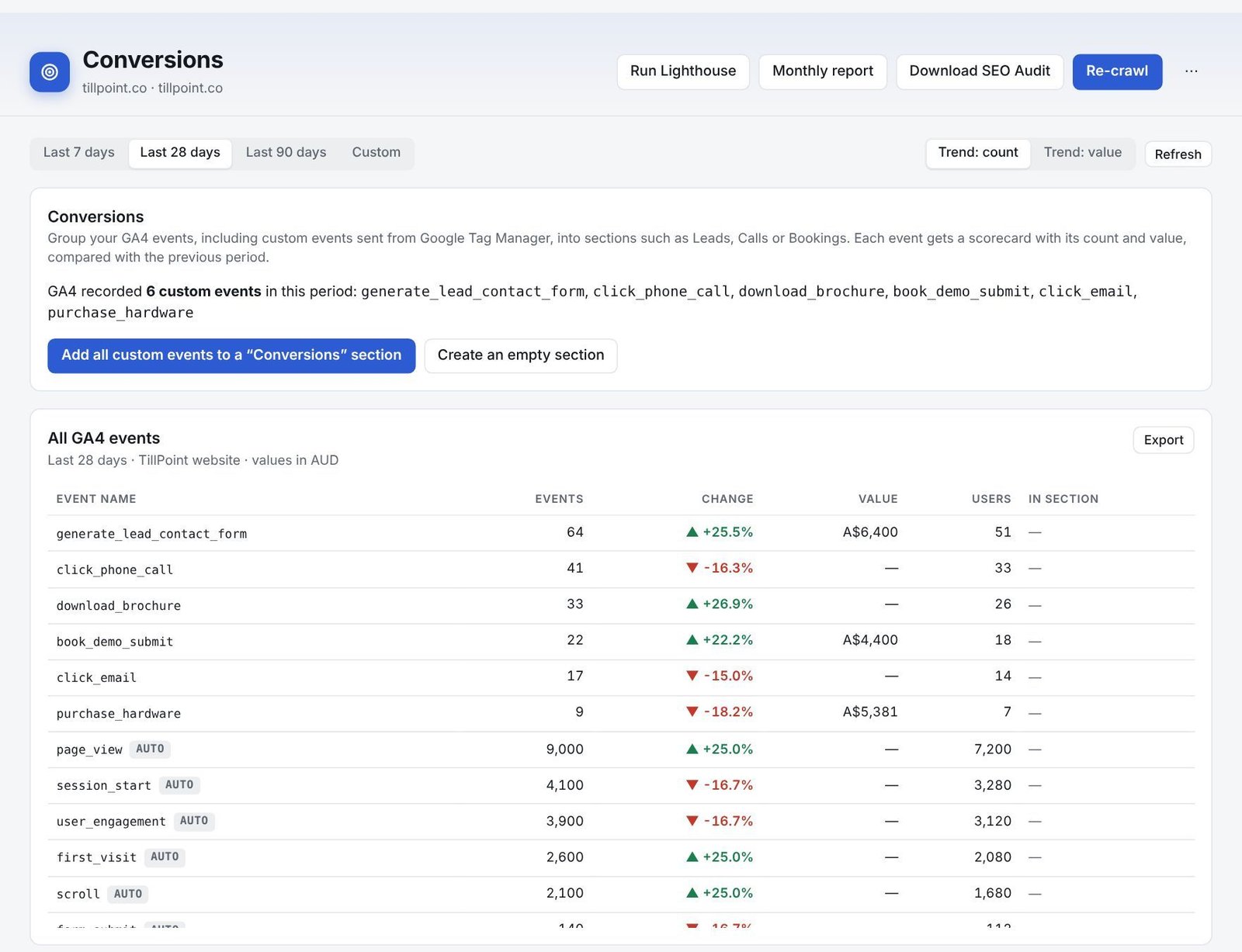
Click Conversions under Google data. You’ll see every GA4 event for the period.
-
Create a section
Press Add all custom events to a “Conversions” section for a quick start, or Create an empty section, name it and pick the events you want.
-
Read the scorecards
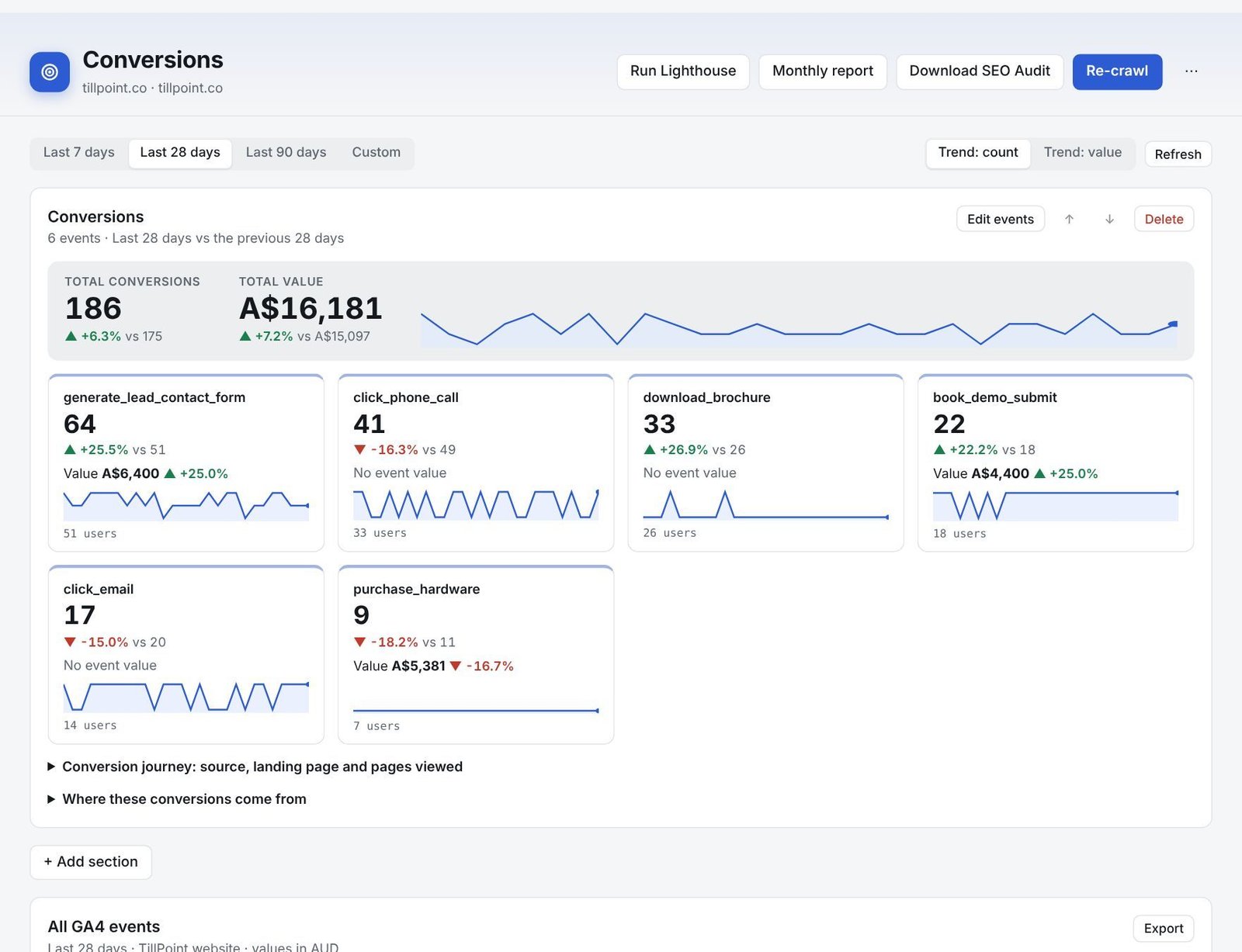
Each section shows the total conversions and value, and a scorecard for every event with its count, value and change on the previous period.
-
See where conversions come from
Open Conversion journey to see the source, landing page and pages viewed in visits that converted, and Where these conversions come from for channels. Press Export for a spreadsheet.
Still stuck? Our team is happy to help.
Email support